Shrink Disk in Google Cloud Platform on Ubuntu With The Smallest Effort Possible

Like everyone else, when you creating a disk for an instance, we usually allocate the size of disk much much higher than we actually need. We have a very pessimistic view on a disk space we need, and finally, we end up wasting money on unnecessary matters.
I created an instance on GCP, aimed for running several docker containers. I create an extra 500GB drive located in /dev/sdb (to be mounted on /var/lib/docker) attached to my instance, but actually, an only 60GB drive is needed. The following steps are for shrinking a disk for the unmountable partition.
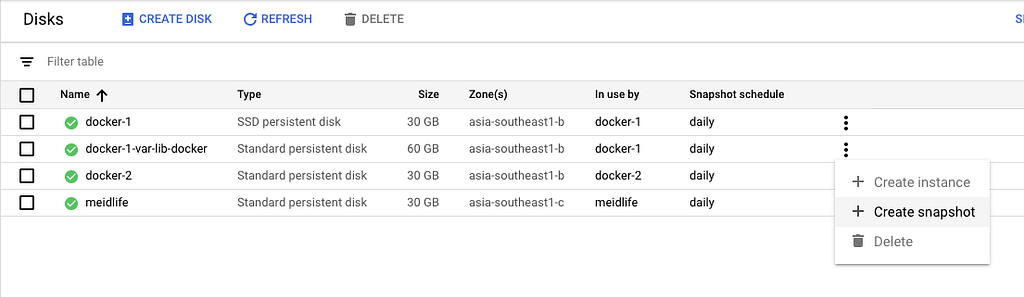
- Make the snapshot of a disk for backup in GCP (Actually docker-1-var-lib-docker is originally 500GB)
2. Down your docker in Ubuntu, $ sudo service docker stop
3. Umount the old disk, $ sudo umount /dev/sdb
4. Resize it, $ sudo resize2fs /dev/sdb 60G You need to wait a while.
5. Edit its partition table, $ sudo cfdisk /dev/sdb will give you a text-based gui to inspect your partition table. I would recommend you to print the partition table to a file or screen at that point, and take note of the current configuration as backup. You can then select /dev/sdb and delete the partition. In its place, free space will be displayed. Use new to create a new partition with 60 GB in its place, and set the type to ext4. Then, move to the trailing free space and create the 440GB swap partition with type swap.

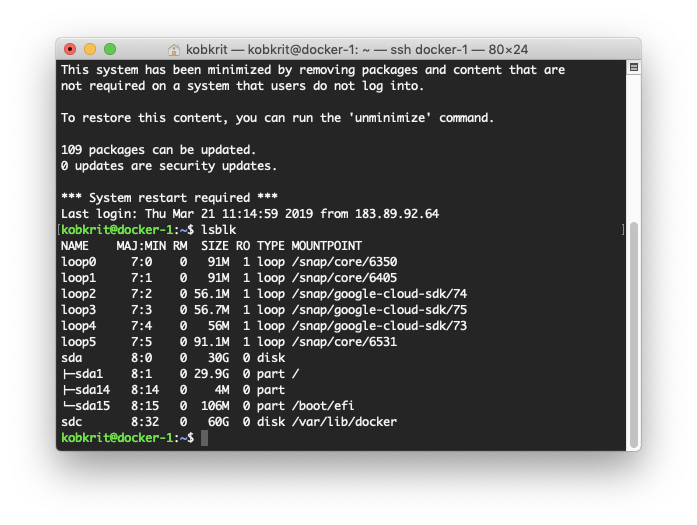
6. Create a new disk in GCP with the size of 60GB attached with the instance. It will be on /dev/sdc, you can view it by $ lsblk (The image is taken after the process is done.)
7. Finally clone the disk, dd if=/dev/sdb of=/dev/sdc (It will take a while)
8. Try to mount /dev/sdc on /var/lib/docker instead of the old disk mount /dev/sdc /var/lib/docker
9. Start the docker service $ sudo service docker start
10. Hooray!, Now everything works with the smaller disk need.
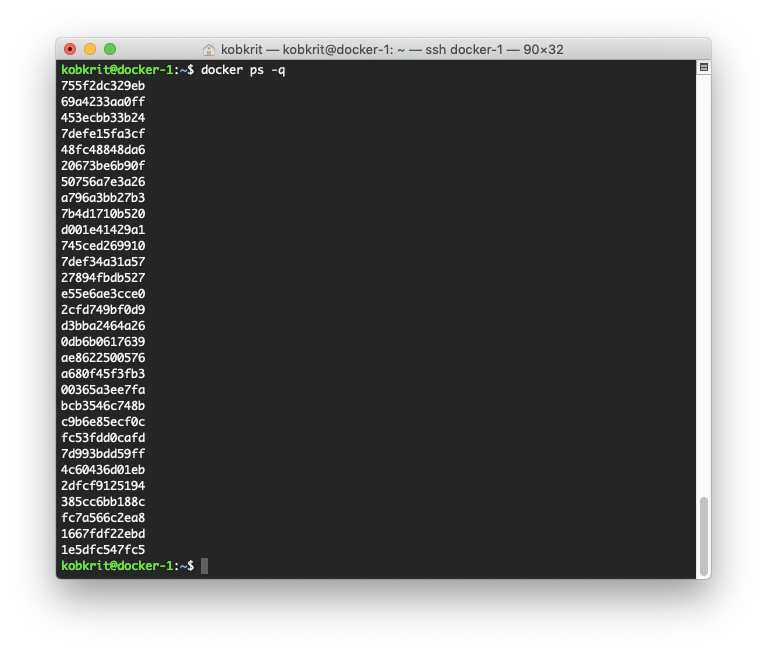
11. Get rid of the old disk on GCP. We do not need to pay from them anymore.
In summary, we unmount a disk, shrink the disk, edit the partition table, and then using dd to clone disk from the old to the new. Finally, mount the new on the old’s mount point and finally, we can get rid of the old disk.
Hope this guide saves your time.
Thank you.
For those whoever want to develop and get consult on creating your own AI model, please getting more information at our company website “iApp Technology” (https://iapp.co.th) and testing our AI demoes (https://ai.iapp.co.th). You can contact me directly at kobkrit@iapp.co.th. Thank you very much. #iApp #Ai

See more at https://iapp.co.th and https://ai.iapp.co.th
Shrink Disk in Google Cloud Platform on Ubuntu With The Smallest Effort Possible was originally published in Kobkrit on Medium, where people are continuing the conversation by highlighting and responding to this story.